
What It’s Like to Camp in a 4x4 Across Botswana’s Wilderness
Long before sunrise, a deep, resonant rumble drifts through the darkness. It’s the rainy season,...
 4 September 2026




Searching...
Whether you’re exploring the winding coastal roads of the Garden Route, navigating the rugged tracks of the Kalahari, or cruising through the bustling city streets of Cape Town, having a reliable navigation app is essential for any road trip in South Africa.
South Africa offers diverse landscapes, varied driving conditions, and many hidden gems that require more than just a good sense of direction. The right navigation app in South Africa can make your trip smoother and safer.
But it’s important to remember that the fastest or shortest route isn’t always the safest route for your rental vehicle. A route that looks perfectly reasonable on a map can lead you onto poorly maintained gravel roads, steep mountain passes, or remote tracks that aren’t suitable for a standard 2WD vehicle.
In this guide, we highlight the three best navigation options in South Africa: Google Maps, Tracks4Africa, and Waze. Each has its strengths, and your choice will depend on where you’re going, what you’re driving, and how off-the-beaten-track you plan to get.
We’ll also look at why matching your navigation app to your rental vehicle matters, particularly if you’re choosing between a car, 4×4, or campervan from Drive South Africa.
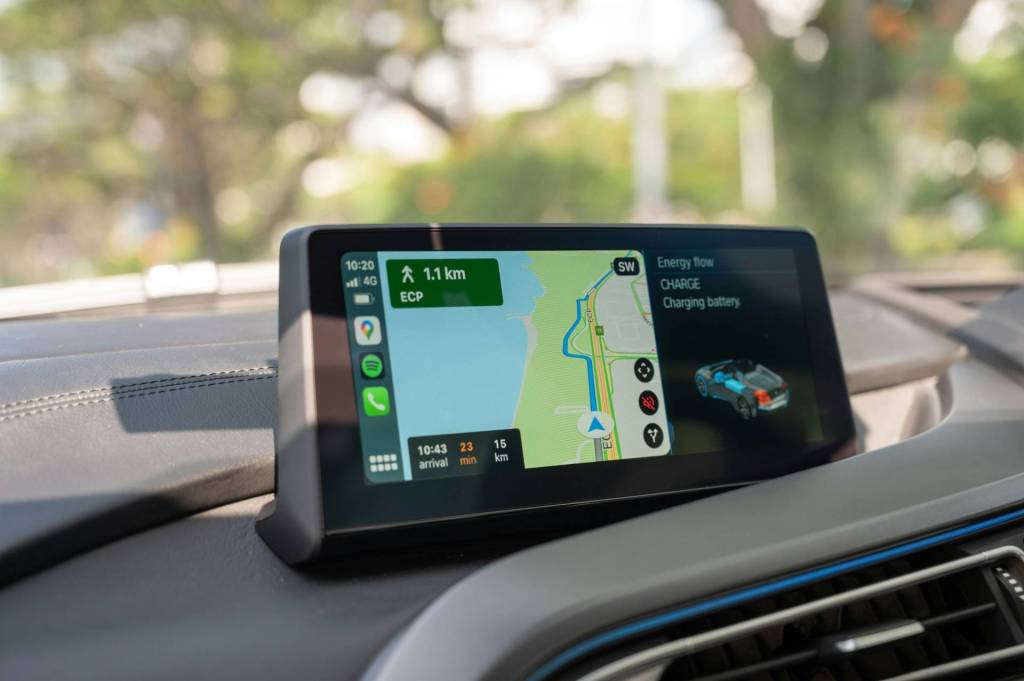
When it comes to finding your way through South Africa’s cities and towns, Google Maps remains the most widely used navigation app. It’s user-friendly, regularly updated, and comes pre-installed on most devices. For general road trips, especially those sticking to the main highways and popular tourist routes, it’s hard to beat.
Google Maps excels in urban areas and well-travelled highways. It’s ideal for self-drive travellers following established routes and needing real-time traffic alerts. It’s the recommended navigation app for standard rental cars travelling on major tarred roads and established tourist routes.
The app struggles with off-road routes and lesser-known rural tracks, particularly in national parks or private reserves. While it’s improving, it may misjudge road conditions in remote areas. A standard 2WD car can be directed towards a steep mountain pass or rough gravel route simply because it’s technically the shortest or fastest option.
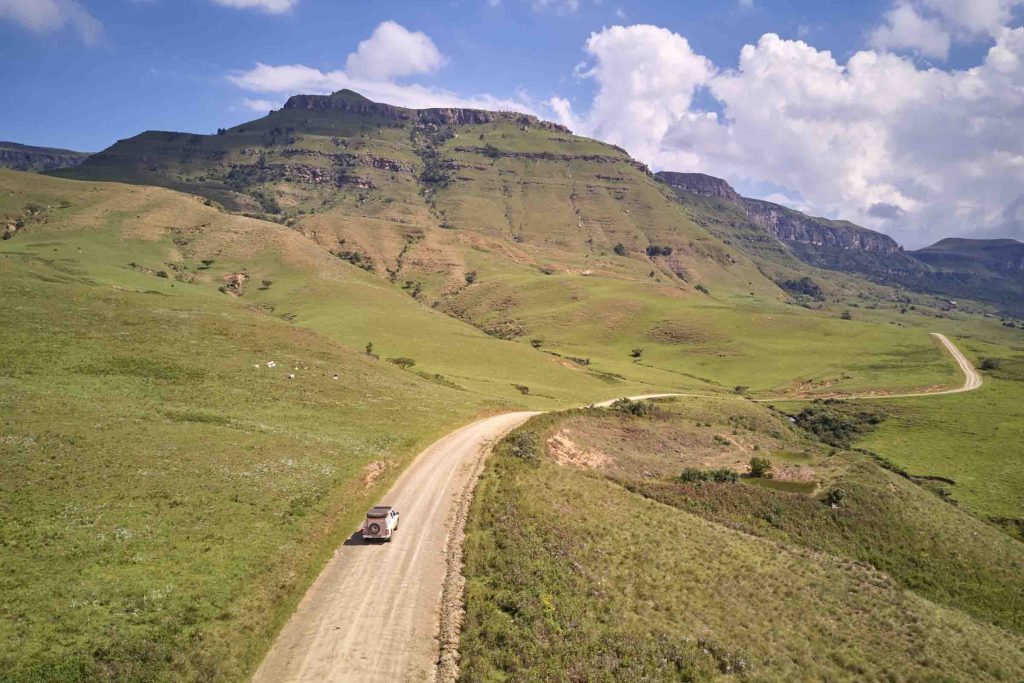
If you’re venturing into South Africa’s national parks, 4×4 trails, or remote wilderness areas, Tracks4Africa is the go-to tool. Its maps and trip-planning tools are built specifically with African self-drive and overland travel in mind, making it invaluable when road surface and track type matter as much as distance.
Important Note: The Tracks4Africa Guide app functions primarily as an offline map, orientation tool, and trip planner (showing your live satellite position on rich background maps), rather than a conventional voice-guided, turn-by-turn navigation app.
Tracks4Africa shines on off-road adventures and long-haul trips into remote areas, where standard apps lack detail. It’s the perfect companion for 4×4 hire travellers heading into the Kgalagadi, the Drakensberg, or the Namakwa Eco Trail to map out routes and locate remote facilities.
The interface is less automated than Google Maps or Waze, requiring manual map reading rather than relying on dynamic voice prompts. The app and map sets are also paid products. For voice-guided turn-by-turn off-road navigation using Tracks4Africa data, travellers typically need a dedicated GPS unit preloaded with Tracks4Africa.

Waze is the ideal free navigation app for its real-time, community-driven traffic updates. It’s a smart choice for navigating traffic-heavy areas such as Johannesburg, Durban, and Pretoria. Waze’s power lies in its ability to adapt quickly based on road conditions reported by fellow drivers. Its popularity in South Africa means there is an active local user base contributing live incident information.
Waze is ideal for urban travel, daily commuting, and navigating around major city traffic hubs. It’s also helpful for weekend getaways near major urban centres where avoiding peak congestion is key.
Waze relies almost entirely on active mobile data connections and constant community input. In rural or low-traffic areas, fewer drivers mean fewer updates, and without mobile reception, Waze can’t recalculate or load live maps effectively. It shouldn’t be used as your primary navigator in remote or off-grid regions.
| App | Best For | Offline Capability | Real-Time Traffic | Off-Road & Track Data |
| Google Maps | General road trips & city travel | Yes (with pre-downloaded areas) | Yes | Basic (risk of unpaved reroutes) |
| Tracks4Africa | 4×4 adventures & remote mapping | Yes (100% offline map guide) | No | Excellent |
| Waze | Urban navigation & peak traffic | No (requires active cell data) | Yes | Poor / Not supported |
If your journey takes you through South Africa’s national parks, unpaved pass networks, or off-grid campsites, Tracks4Africa is an essential offline navigation app for detailed local mapping and trip planning. For everyday travel and longer tarred-road trips, Google Maps offers solid all-around performance. In busy urban centres, Waze’s community updates can save significant time.
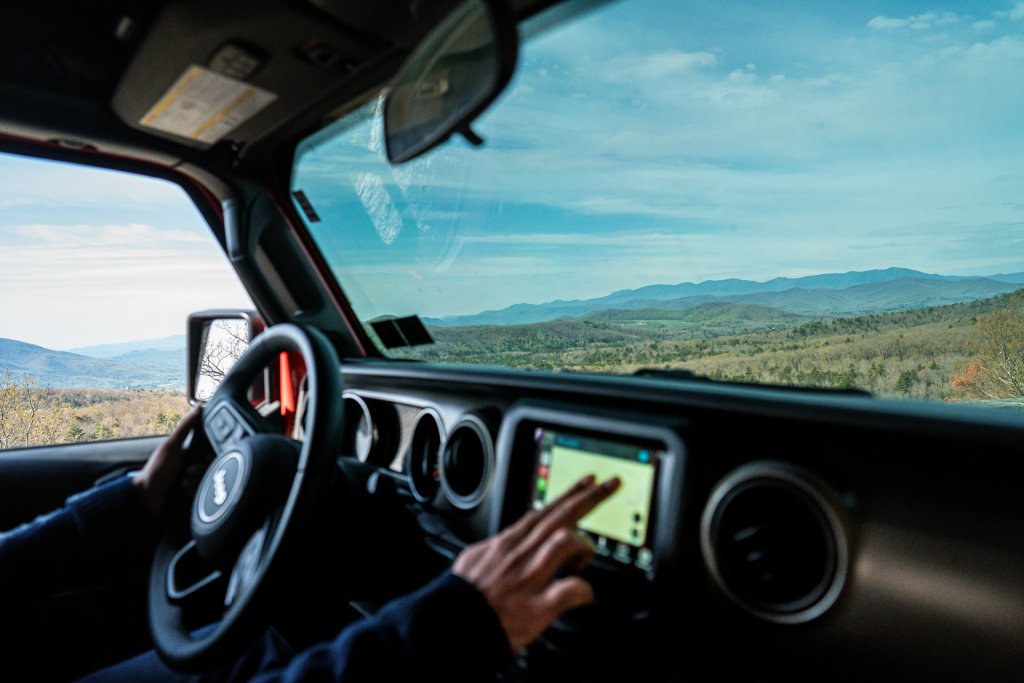
While smartphone apps like Google Maps, Tracks4Africa, and Waze offer excellent functionality, many travellers prefer renting a dedicated GPS unit (such as a Garmin loaded with Tracks4Africa maps) for long self-drive safaris.
At Drive South Africa, GPS availability and rental options vary by vehicle and supplier, so check the equipment offered with your chosen rental before booking.
When booking your car, 4×4, or camper rental on Drive South Africa’s website, check the available vehicle equipment and GPS options for your chosen supplier and pickup location. If you’ve already made a reservation and want to enquire about a GPS afterwards, contact Drive South Africa’s customer support team.
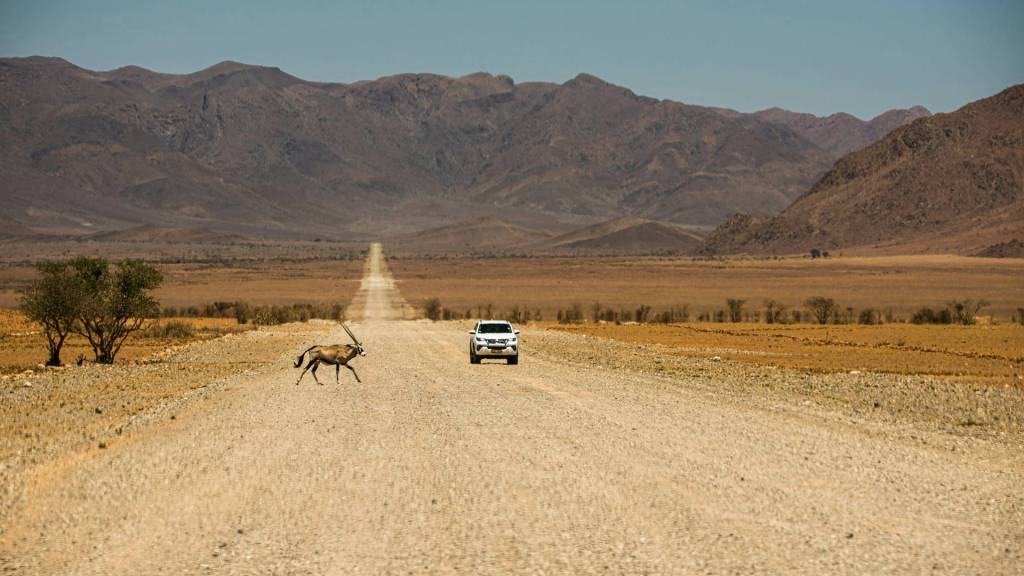
A reliable GPS navigation app is only one part of a successful trip. Choosing a vehicle that matches your route is just as important. A navigation app can tell you where a road goes, but it can’t turn a 2WD rental car into a 4×4 or make a poorly maintained gravel road safer.
Whether you’re cruising the Winelands in a compact hatchback, exploring Mpumalanga’s mountain passes in an SUV, or tackling desert roads in a fully equipped 4×4, Drive South Africa has the perfect hire vehicle for your needs.
Ready to hit the road? Browse Drive South Africa’s selection of cars, 4x4s, and campervans, and choose a vehicle that suits your route. With the right wheels, reliable navigation, and a little route planning, you’re ready to explore South Africa with greater confidence.
Long before sunrise, a deep, resonant rumble drifts through the darkness. It’s the rainy season,...
4 September 2026

A Botswana green season safari offers one of Southern Africa’s most sensational wilderness transformations. Between...
1 September 2026
South Africa in August is a country of scenic contrasts. In the north, dry landscapes...
21 August 2026



Typically responds in under 15 minutes